
To sign in to your OneDoc account, visit onedoc.ch, or directly on the sign in page!
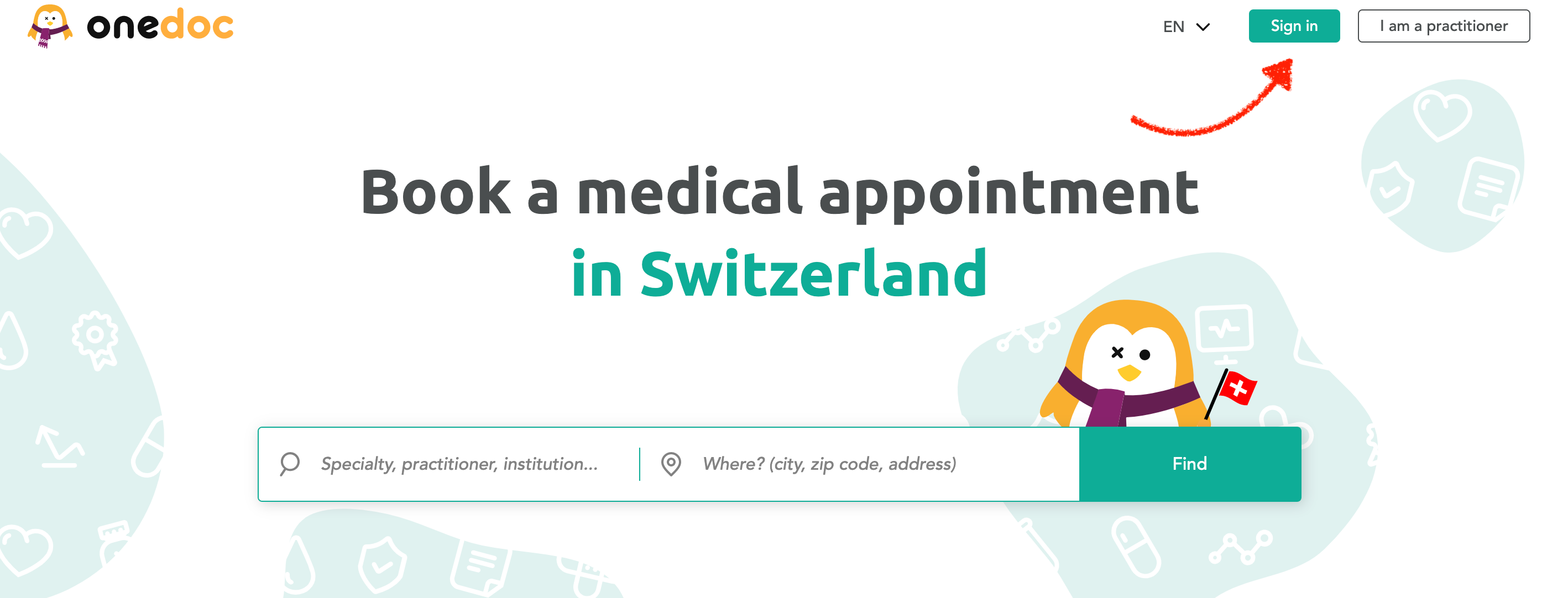
Sign in without booking an appointment:
- Click on the “Sign in” button, on the top right of the page.
- On the sign in page, enter the e-mail address and password associated with your OneDoc account
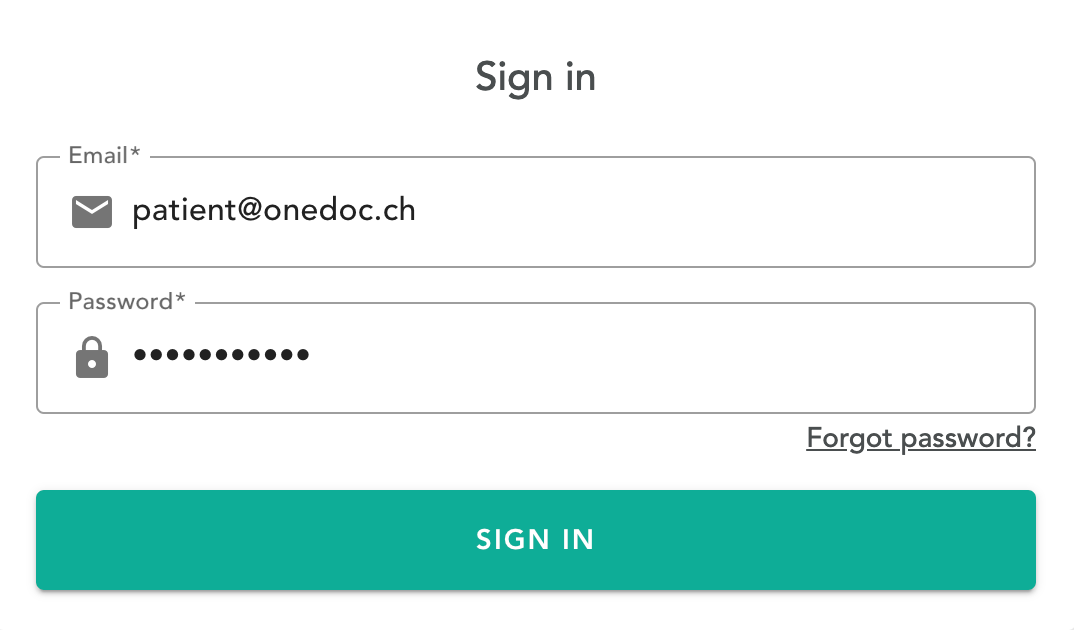
- Click on “SIGN IN” to sign in to your OneDoc account.
Sign in while booking an appointment
You can sign in while booking an appointment, after you have selected your visit reason (step 2: “Identification”)
- Click on “SIGN IN”, and enter the e-mail address and password associated with your OneDoc account
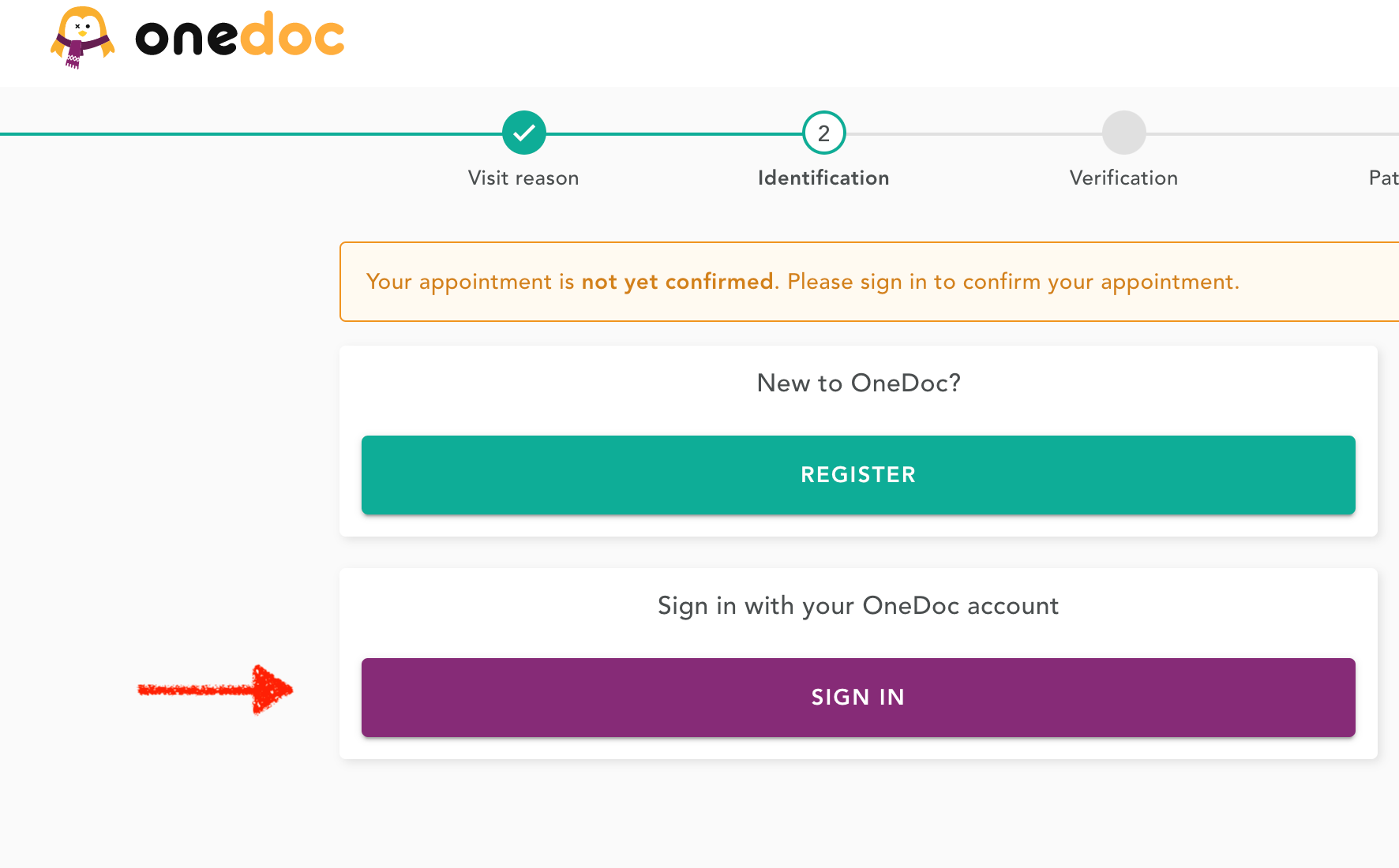
- Click on “SIGN IN” to sign in to your OneDoc account.
Cannot sign in to your OneDoc account?
You can consult one of the following articles:
- If you have forgotten your password, you can reset your password
- If you have changed your e-mail address, you can update your e-mail address
- If the warning “your phone number is already in use” appears, please consult the following instructions